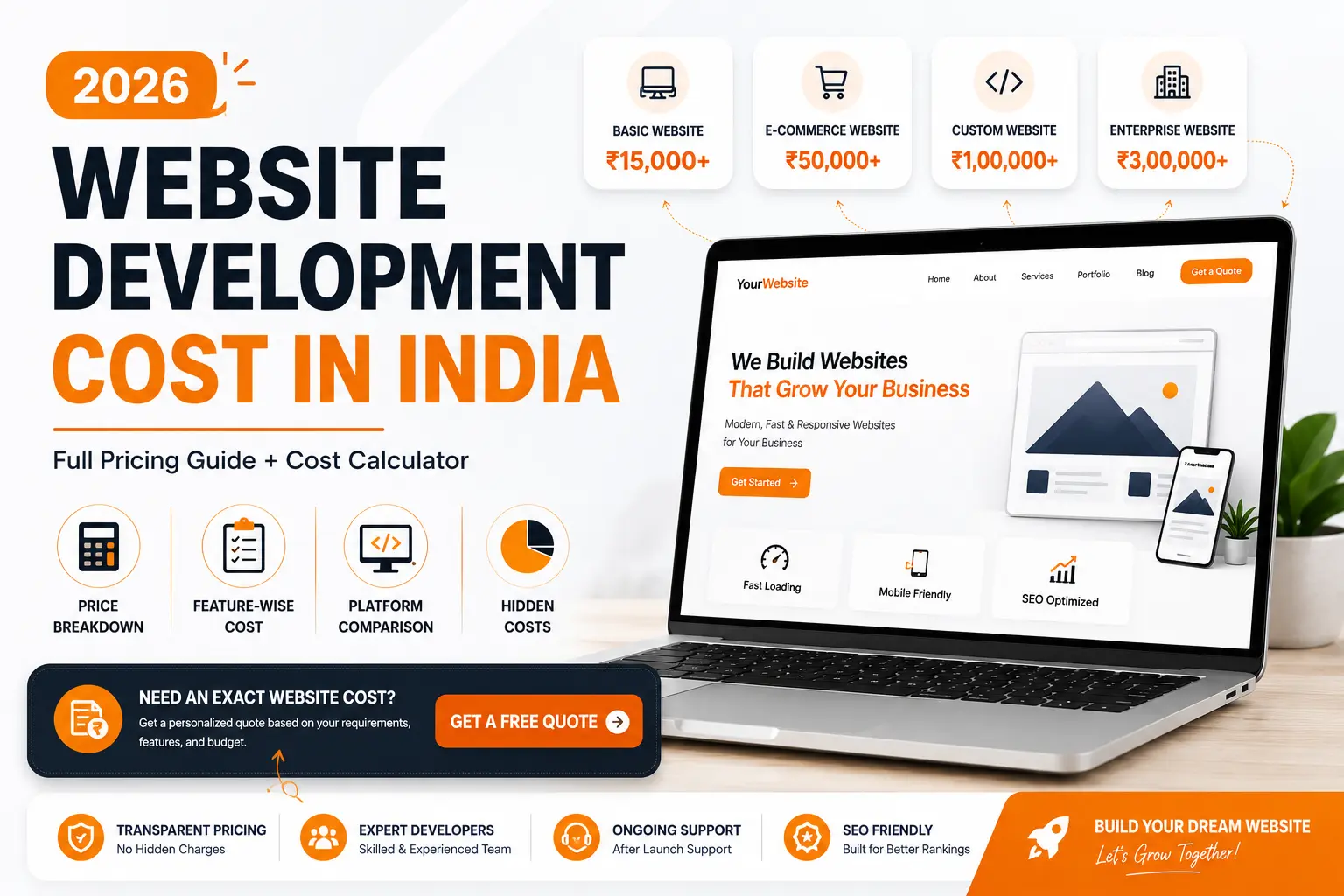
Ask three web development agencies for a quote on the same project, and you’ll likely receive three very different estimates. That’s because website development costs depend on far more than page count or visual design.
Today’s websites generate leads, integrate with business systems, automate workflows, and increasingly rely on AI-powered features. The complexity behind these capabilities directly influences development costs.
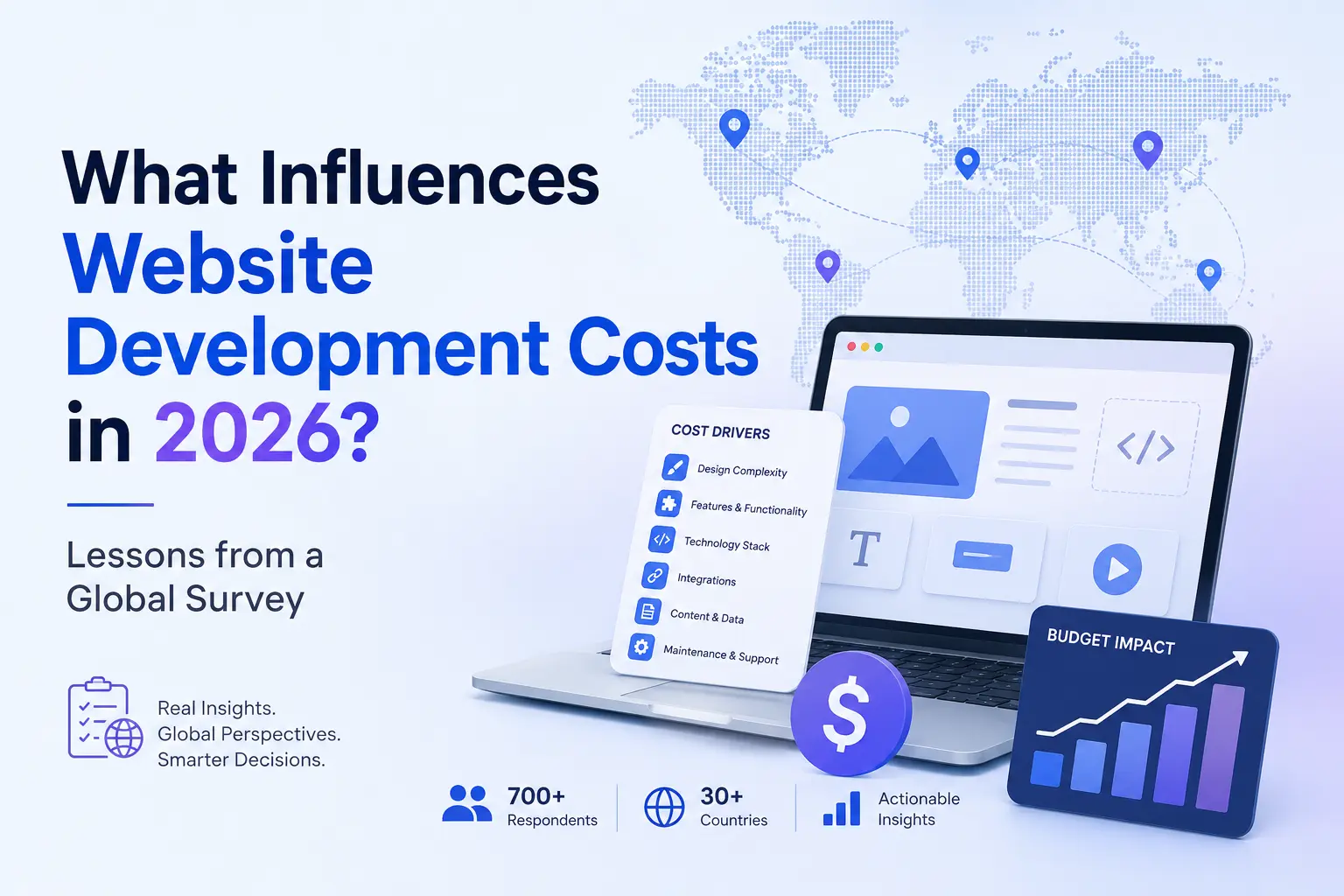
This article is based on insights from the GoodFirms 2026 Website Development Cost Survey and Code Creator Technology’s experience delivering web solutions across industries. Drawing on feedback from more than 300 web development companies across 31 countries, the survey highlights the key factors that influence website development costs in 2026.
Why Website Development Costs Are Evolving in 2026
A website used to need to look good and load reasonably fast. That bar has moved.
Most businesses we talk to want their site to do a lot more before they’ll call it finished:
- Personalize what a visitor sees based on behavior or location
- Plug into whatever CRM, ERP, or marketing tools they already run
- Handle at least some tasks with AI, whether that’s a chatbot or smarter search
- Load fast and look right on a five-year-old Android phone and a brand-new iPhone alike
- Hold up to basic security and compliance scrutiny
- Scale without a full rebuild when traffic or features grow
None of these requests are unreasonable on their own. Stacked together, they add real development time, and that’s exactly what shows up in a quote.
1. Project Scope and Complexity
Scope is still the single biggest driver of cost, ahead of design, ahead of which CMS you pick, ahead of almost everything else on this list.
A five-page site that just needs to look professional and load quickly is a different job than a customer portal with login roles, custom workflows, and search that can handle typos. The second one isn’t really “a website” in the same sense. It’s closer to software.
Costs climb fastest once a project includes multiple user roles and permission levels, workflows specific to how the business actually operates, multi-language support, or search and filtering that goes beyond a basic dropdown. None of these are exotic requests. They’re common, and they’re why two project briefs that look nearly identical on paper can land in completely different price brackets once development actually starts.
The fix isn’t complicated, even if it’s rarely followed: write down exactly what the site needs to do before asking anyone to quote it. Vague briefs produce vague quotes, and vague quotes are where scope creep finds room to grow.
2. Business Goals and Website Type
A lead-generation website, an e-commerce marketplace, and a customer self-service portal may all fall under the broad category of “websites,” but they’re fundamentally different products with very different requirements.
Before requesting estimates, it’s worth defining what success actually looks like. Common business goals include:
- Generating more qualified leads
- Increasing online sales
- Reducing support requests through self-service
- Streamlining internal workflows
- Improving customer engagement
Each objective requires a different mix of features, integrations, and user experiences—and each comes with its own cost implications.
We’ve seen businesses request marketplace-level functionality when what they really needed was a fast, conversion-focused website with a strong contact form and clear user journeys. Clarifying the business goal upfront is often the most cost-effective decision in the entire project. It costs nothing to define your priorities, yet it can prevent unnecessary complexity and keep budgets aligned with real business outcomes.
3. Custom Design and User Experience Requirements
Templates aren’t a bad option. For plenty of small businesses, a well-chosen template with solid content does the job just fine.
The trade-off shows up once a brand needs to stand apart, or once conversion rate starts mattering more than launch speed. Custom design work covers real user research, wireframes, interface design, accessibility checks, and the testing needed to confirm a layout actually converts rather than just looking good in a mockup. Mobile responsiveness alone, done properly across real device sizes instead of just a phone and tablet preview, takes longer than most clients expect.
None of that is wasted money if the site is meant to be a long-term sales channel. It is wasted money if a brochure-style template would have done the job just as well. The trick is matching the design investment to how hard the website actually needs to work.
4. Technology Stack and CMS Selection
WordPress, a headless CMS paired with a framework like Next.js, or a fully custom build all solve the same basic problem in different ways, and the choice shows up in both the initial invoice and the maintenance bill for years afterward.
WordPress remains the default for good reason. It’s fast to set up, has a massive plugin ecosystem, and almost any developer can maintain it later. Headless setups, where the CMS only manages content and a separate frontend handles the actual rendering, cost more upfront but tend to pay off in speed, flexibility, and how well the site scales as traffic or content volume grows. We run our own site this way, for exactly that reason.
There’s no universally right answer here. A restaurant with a five-page site doesn’t need a headless architecture. A company planning to scale content across multiple markets probably does. The mistake is picking a stack because it’s trendy rather than because it actually matches what the business needs over the next two or three years.
5. Third-Party Integrations and APIs
Very few websites operate as standalone platforms anymore. Most need to connect with existing business systems to automate processes and deliver a seamless user experience.
Common integrations include:
- Customer Relationship Management (CRM) platforms
- Enterprise Resource Planning (ERP) systems
- Payment gateways
- Marketing automation tools
- Analytics and reporting platforms
On the surface, these integrations can seem straightforward. In practice, they’re often one of the most complex parts of a project.
API authentication requirements, data synchronization issues, rate limits, and undocumented edge cases can quickly increase development time. The challenge isn’t just making each integration work independently—it’s ensuring all systems communicate reliably with one another.
That’s why a website with multiple integrations can require significantly more effort than a similar project with fewer dependencies, even when the user-facing experience appears almost identical.
6. AI Features and Automation
AI has gone from a nice-to-have to a checkbox most clients want ticked somewhere on the site: a chatbot, smarter on-site search, product recommendations, or some kind of content generation tool.
Here’s the part that catches people off guard. None of this is plug-and-play. A chatbot that actually answers questions correctly needs to be trained on specific business content, tested against odd phrasing, and checked regularly so it doesn’t start inventing answers about pricing or policy. Recommendation engines need real data to learn from, which most small businesses don’t have yet. None of this is a one-time cost, either. It needs occasional retraining and monitoring long after launch.
GoodFirms’ 2026 survey found something that matches what we’re seeing on our own projects: 51% of surveyed agencies now name AI and automation features as one of the factors most likely to push a project past its original budget. The tooling has gotten faster. The work of making AI features actually reliable in production hasn’t gotten any shorter.
7. Security, Compliance, and Performance Requirements
Nobody budgets extra for security until something goes wrong, and by then it’s an emergency invoice instead of a planned one.
If a site collects customer data, handles payments, or operates in a regulated industry, secure authentication, encryption, and compliance with privacy laws (GDPR for any EU visitors, India’s DPDP Act for data collected locally) need to be part of the build from day one. Bolting compliance onto a finished site later is almost always more expensive and more disruptive than building it in from the start, because by then the architecture has already been decided.
Performance belongs in the same bucket. A site that looks great but takes six seconds to load on a mobile connection is going to lose visitors long before security becomes the relevant concern.
8. Content Creation and Migration
Design and development tend to get most of the attention in a proposal. Content is usually the thing that actually delays the launch.
Someone has to write the copy, plan the SEO structure, shoot or source the images, and, on a redesign, migrate everything from the old site without breaking URLs or losing existing search rankings. Clients who assume “we’ll have the content ready” almost never do, and that gap is exactly where launch timelines start slipping.
If content isn’t budgeted as its own line item from the start, it usually ends up as an unplanned cost squeezed in right before launch, under more time pressure than it deserves.
9. Ongoing Maintenance and Support
Launch day feels like the finish line. For the budget, it’s closer to the starting line.
Hosting, software updates, security monitoring, bug fixes, and the inevitable list of small feature requests that show up once real users start clicking around all continue well past go-live. None of it is optional if the goal is a site that stays fast, secure, and current a year from now.
The smarter way to budget is the total cost of ownership over two or three years, not just the number on the first invoice. GoodFirms’ research puts the realistic two-year cost of a professionally built website at 150 to 200 percent of the original build price once hosting, maintenance, and feature updates are factored in. A cheaper build with no maintenance plan often costs more by year two than a slightly pricier build that was planned for upkeep from the start.
Key Insights from a Global Survey
A few numbers from the survey are worth sitting with.
Almost every agency surveyed, 98%, now uses AI somewhere in its workflow, and yet custom development, deep integrations, and AI-powered features have held their price or gotten more expensive rather than cheaper. AI has made basic websites faster and cheaper to build. It hasn’t done much for the complex end of the market, because the expensive part was never typing speed. It’s the architecture and judgment behind it.
Hourly rates tell a similar story. 57% of surveyed agencies bill between $50 and $100 an hour, while another 30%, concentrated in India and the rest of South and Southeast Asia, bill closer to $10 to $15 an hour. Same skill set, very different cost base, depending almost entirely on where the agency is located.
We’ve watched both of these patterns play out in our own client conversations, particularly the growing interest in AI features and the assumption that AI automatically means a lower price tag. It usually doesn’t, for the reasons covered above.
If you want the full numbers, including regional hourly rate tables and a breakdown of where most budgets actually go off track, GoodFirms published the complete dataset here: the 2026 website development cost survey.
How to Build a Realistic Website Budget in 2026
Knowing the cost drivers only helps if it changes how a project gets briefed. A few things make the biggest difference in practice:
- Get specific about what success looks like before requesting quotes, not after.
- Decide which features are essential versus nice-to-have, and say so in the brief.
- Write down every system the site needs to talk to, even the minor ones.
- Budget for maintenance from day one instead of treating it as next year’s problem.
- Think about where the business will be in two or three years, not just at launch.
- Choose a partner based on expertise and judgment, not the number at the bottom of the quote.
That last point matters more than it sounds like it should. The cheapest quote on the table is sometimes cheap because it skipped something critical, and that something usually gets paid for later, at a worse time and a worse price.
Planning a Website Project in 2026?
Get a tailored website development estimate based on your business goals, feature requirements, integrations, and long-term growth plans.
Get a Free Website ConsultationFrequently Asked Questions
How much does website development cost in 2026?
It depends entirely on what’s being built, but the range runs from roughly $1,000 for a basic site to $150,000 or more for an enterprise platform. A simple lead-generation website sits at the low end. A custom application with logins, payments, and several integrations sits much closer to the high end.
What factors have the biggest impact on website development costs?
Scope tops the list, followed by custom design work, the technology stack chosen, how many systems the site needs to integrate with, and how much AI functionality gets built in. Security and long-term maintenance round things out, even though most clients don’t think about either until later.
Why do website development quotes vary between agencies?
Two agencies can quote very different numbers for what looks like the same brief because they aren’t actually quoting the same scope. One number might cover development only. The other might include strategy, design, QA, SEO setup, and a few months of post-launch support. It’s worth asking exactly what’s included before comparing any two quotes side by side.
Do AI-powered features increase website development costs?
Usually, yes. AI features need integration work, testing against edge cases, and ongoing monitoring after launch, none of which is a one-time expense. The tools themselves have gotten cheaper and faster. Making AI features reliable in production hasn’t.
What hidden costs should businesses consider?
Hosting, software licenses, third-party subscriptions, content creation, and ongoing maintenance are the ones that catch people off guard most often. None of them tend to come up in a first quote conversation, and all of them show up on a bill eventually.
How can businesses create a more accurate website budget?
Write a brief that’s specific about goals, required features, every integration that comes to mind, design expectations, and a realistic timeline. The more specific the brief, the more accurate the quote tends to be.
Final Thoughts
Website costs in 2026 come down to scope, the technology decisions made in week one, how much AI is genuinely needed versus simply wanted, and whether anyone planned for what happens after launch.
The businesses that end up happy with what they spent are usually the ones that asked harder questions upfront, not the ones that chased the cheapest quote. If you’re planning a website and want a second opinion on what your specific project should realistically cost, that’s a conversation we’re happy to have.
Related Blog Post :-